
The Problem: Instant Bans
You tried it. You boosted a post saying "Best IPTV Service 4K", and 10 minutes later: Ad Account Disabled. Why? Because selling "IPTV" directly violates Facebook's policies against third-party streaming devices/services.
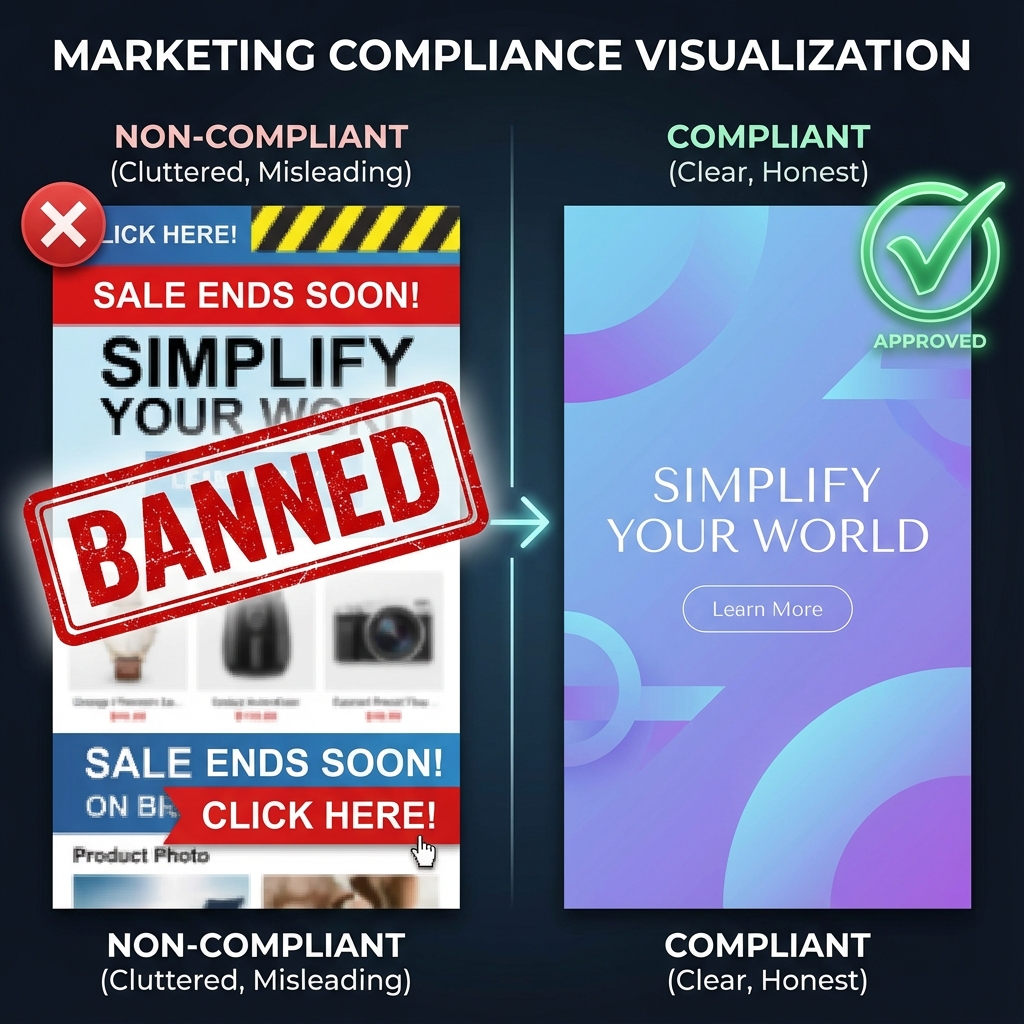
Compliance is key. Be subtle.
Strategy 1: The "Hook" (What to Say)
Never use the word "IPTV" or "Channels" in your ad text. Instead, sell the benefit or the device upgrade.
- Bad: "Buy 4K IPTV, 20,000 Channels, $10/month"
- Good: "Upgrade your Smart TV experience today. Access premium entertainment without the cable bill."
- Good: "Cut the cord. The ultimate streaming solution for your Firestick."
Strategy 2: The "Creative" (What to Show)
Never show logos of channels (HBO, Sky, Bein Sports). Their AI detects this immediately and issues a copyright strike.
Use Abstract Visuals: Show a happy family watching a generic TV, or a cool 3D render of a smart remote. Make it look like a tech product, not a pirate service.
Strategy 3: The "Funnel" (Where to Send Them)
Do not send traffic directly to a checkout page. It triggers red flags.
- Direct to WhatsApp: Use the "Send Message" objective. Close the sale in a private chat where you can say whatever you want.
- Landing Page: Send them to a clean "bridge page" that reviews "Top Streaming Apps" and links to your store.
Conclusion
Facebook Ads are a goldmine if you play by the rules. Be smart, be subtle, and watch your reseller business grow.